System setup and ongoing maintenance
A well-set-up system is easier to support and less likely to fail. We set up new computers, new starters and new offices, then keep them in good order with regular checks on updates, security, backups and storage.

Sound familiar?
Problems like these are what we deal with every day.
- A new starter begins on Monday and nothing is ready
- You’re moving office and need everything working on day one
- Nobody knows when the computers last had security updates
- You’re not sure the backups actually work
- Old laptops are in a cupboard and still have company data on them
- There’s no list of what equipment the business owns
What’s included
- New computer and new starter setup
- Unboxing, updating and configuring computers, creating accounts, installing software and connecting printers, so new staff can start straight away.
- Office and workstation setup
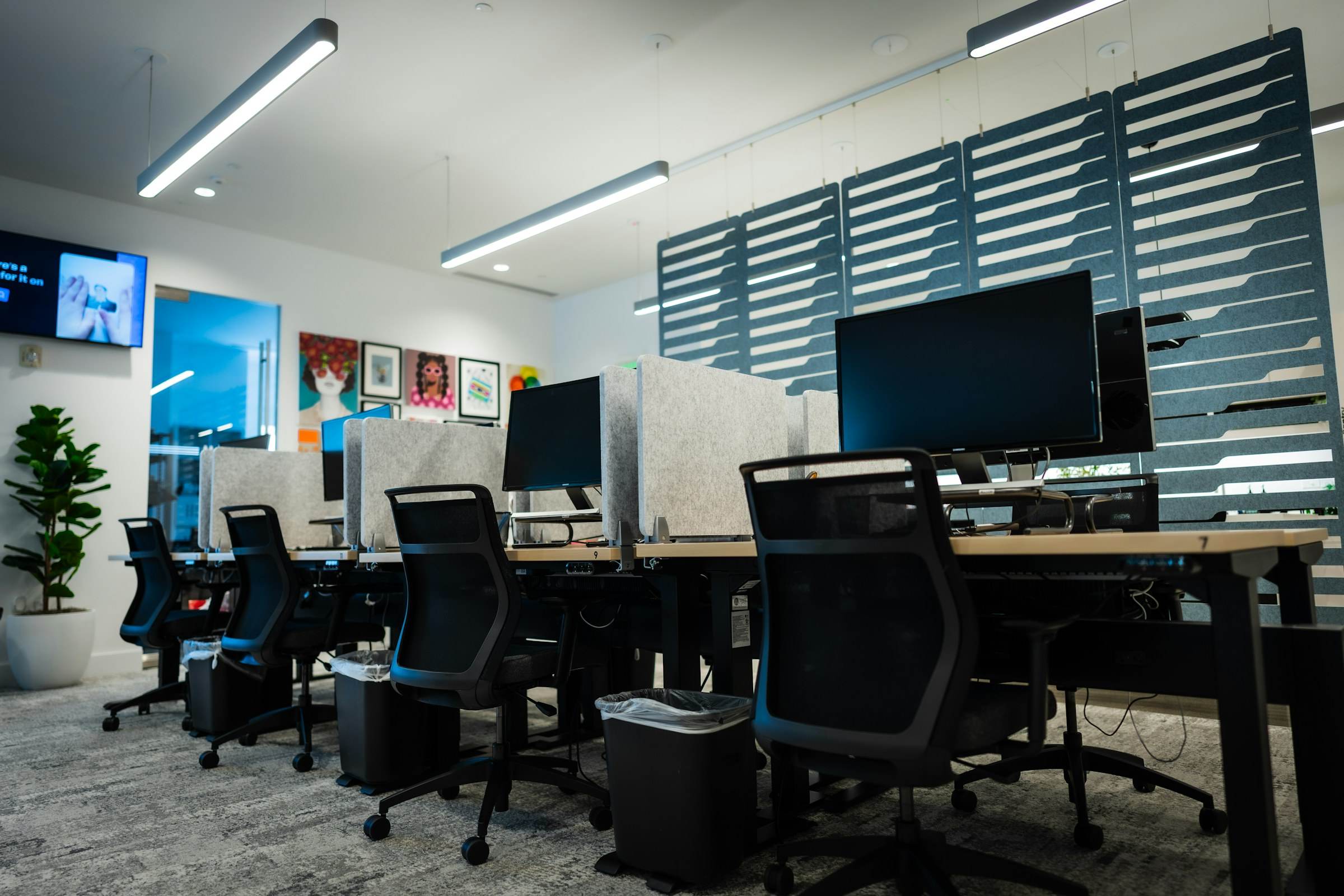
- Desks with computers, monitors, docking stations and peripherals, plus Wi-Fi and printer setup, for new offices and office moves.
- Scheduled maintenance checks
- Regular checks of updates, antivirus status, disk health and free space, with problems fixed before they interrupt work.
- Backup checks
- Confirming backups are running and that files can actually be restored from them.
- Equipment records
- A simple record of your computers and devices: who has what, how old it is and when it may need replacing.
- Secure disposal
- Wiping company data from old devices before they’re sold, recycled or reused.
How it’s delivered
Remote
Maintenance checks and most configuration work are done remotely, outside your busiest hours where possible.
On site
Office setups, moves and hardware installation are carried out on site.
Visits available in London and surrounding areas.
Questions
All questionsHow often should maintenance checks happen?
For most small offices, a monthly check works well. We’ll suggest a schedule based on how many devices you have and how much your business depends on them.
Can you set up an office we haven’t moved into yet?
Yes. We can plan the setup with you in advance, then install and test everything so it works when your team arrives.
Other services
- IT support A technician your team can contact when a login fails, email stops syncing or a printer drops off the network.
- Computer troubleshooting Slow, crashing or dead computers diagnosed properly, with the cause found and fixed, and a plain explanation of what went wrong.
- Software installation Operating systems, business applications and Microsoft 365 installed, licensed and set up properly, then kept up to date.
Something not working? Tell us about it.
Describe the problem in a few lines and we’ll reply within the same working day with what we think is wrong and what it will take to fix.