Computer troubleshooting and repair
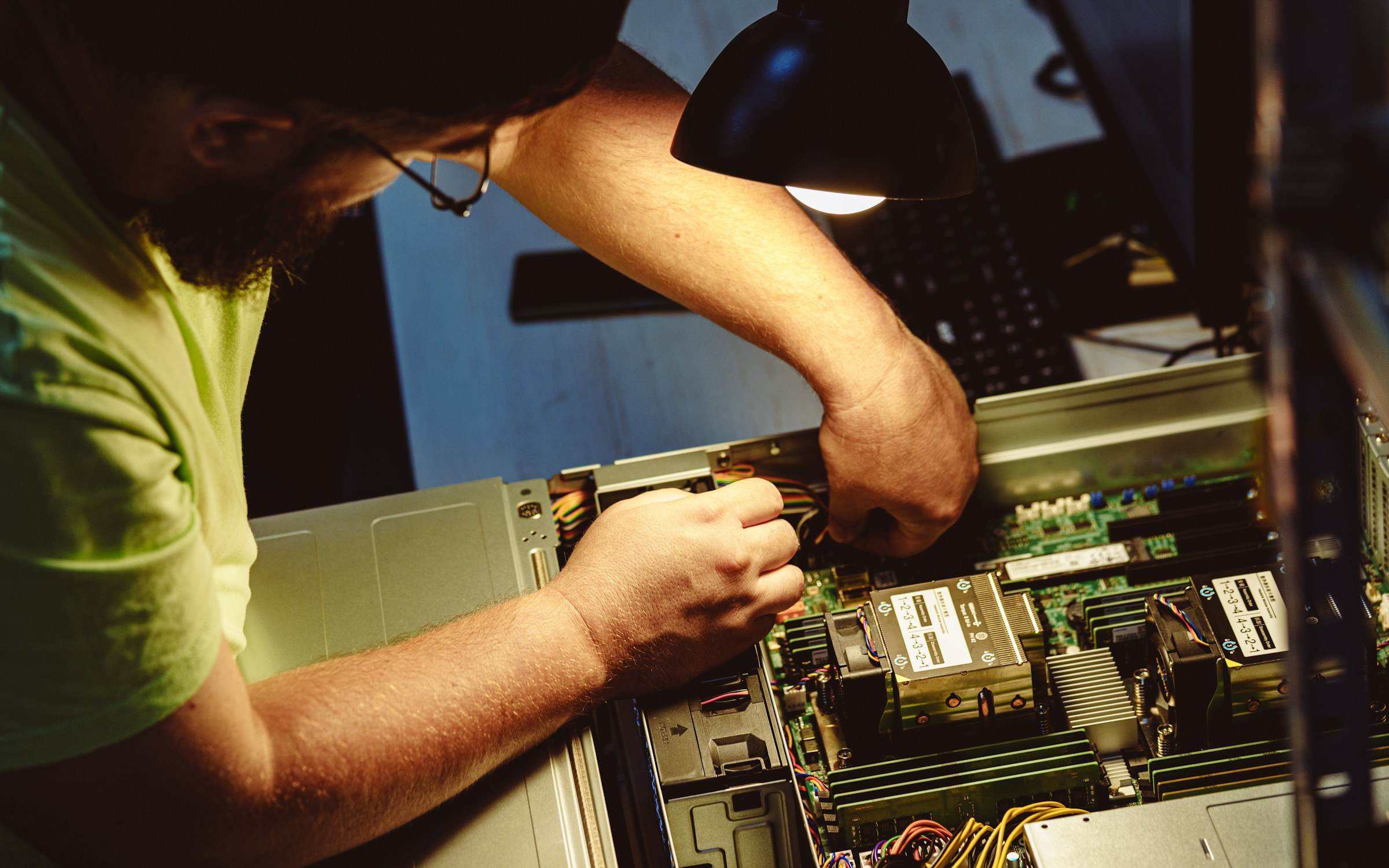
When a computer is slow, keeps crashing or won’t start, the visible symptom is rarely the real problem. We work through it methodically, checking hardware, the operating system, drivers and software in turn, until we find the cause. Then we fix it, or tell you clearly if the machine is worth replacing.

Sound familiar?
Problems like these are what we deal with every day.
- A computer takes ten minutes to start and is slow all day
- Blue screens, freezes or programs closing without warning
- A laptop won’t turn on, won’t charge or won’t boot past the logo
- Pop-ups, unfamiliar programs or a suspicion of malware
- Wi-Fi drops out in one part of the office
- A hard drive is making noises or showing errors
What’s included
- Diagnosis
- Hardware tests, event logs and crash reports, disk and memory health checks, and startup analysis to find the actual cause.
- Operating system repair
- Fixing corrupted updates, broken user profiles, driver conflicts and startup problems, and reinstalling Windows or macOS when it’s the better option.
- Malware removal
- Scanning, removing unwanted software, checking browser settings and accounts, and advising on anything that may have been exposed.
- Hardware faults
- Identifying failed parts such as drives, memory, batteries and power supplies, recommending replacements and fitting them.
- Network and connectivity
- Wi-Fi coverage problems, devices that won’t connect, slow connections and shared drives that can’t be reached.
How it’s delivered
Remote
Software problems are often fixed remotely in a single session, so the person affected can get back to work quickly.
On site
Hardware faults and machines that won’t start are looked at in person, at your office or at our workspace.
Visits available in London and surrounding areas.
Questions
All questionsWill I lose my files?
We check what data is on a machine before changing anything, and we back up important files first where the drive still allows it. If data is at risk, we tell you before we go further.
What if the computer isn’t worth repairing?
We’ll say so. If a repair would cost more than the machine is worth to your business, we explain the options and can help you choose and set up a replacement.
Other services
- IT support A technician your team can contact when a login fails, email stops syncing or a printer drops off the network.
- Software installation Operating systems, business applications and Microsoft 365 installed, licensed and set up properly, then kept up to date.
- System setup and maintenance New computers and offices set up properly from the start, then checked regularly so small issues are caught early.
Something not working? Tell us about it.
Describe the problem in a few lines and we’ll reply within the same working day with what we think is wrong and what it will take to fix.